Buying Capture Hardware for Egocentric Data: A Procurement Guide
Choose equipment around the evidence your model needs.
Imagine ordering a fleet of wearable cameras, opening the first test recording, and discovering that the operator’s hands disappear whenever they reach into a drawer. The cameras work. The footage looks sharp. It just doesn’t answer the question the model team needs to ask.
That is why buying capture hardware starts with a data brief. A camera is one part of a collection system that includes the mount, the person wearing it, the recording settings and the files that reach your training pipeline. Good procurement connects all of those pieces before the large purchase order goes out.
Start with the evidence you need
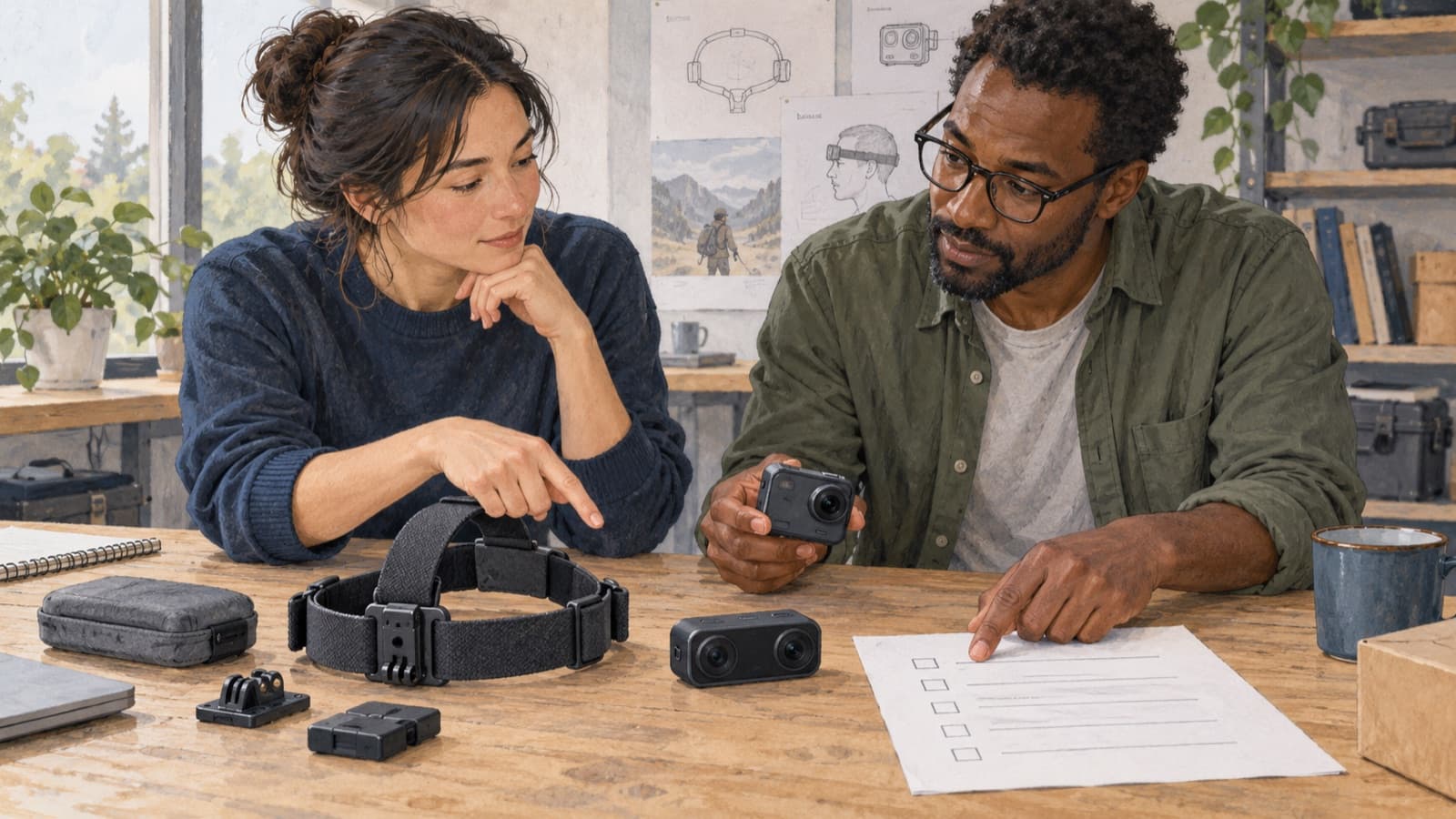
Write down what a successful recording must let your team observe. For a packing task, that might mean both hands, the object being packed and the moment it is released. For a navigation task, camera motion and the surrounding scene may matter more.
Turn that description into a short acceptance checklist:
- Which actions, objects and parts of the workspace must stay visible?
- Do you need RGB video, depth, multiple views or motion measurements?
- What timing accuracy does the downstream task require?
- How long must a session run without a battery or storage change?
- Which files, metadata and calibration records must arrive with each session?
Keep requirements separate from preferences. “We need to distinguish finger contact with the handle” is a requirement. “We would like the newest camera” is a preference until a test connects it to that requirement.
Compare complete setups
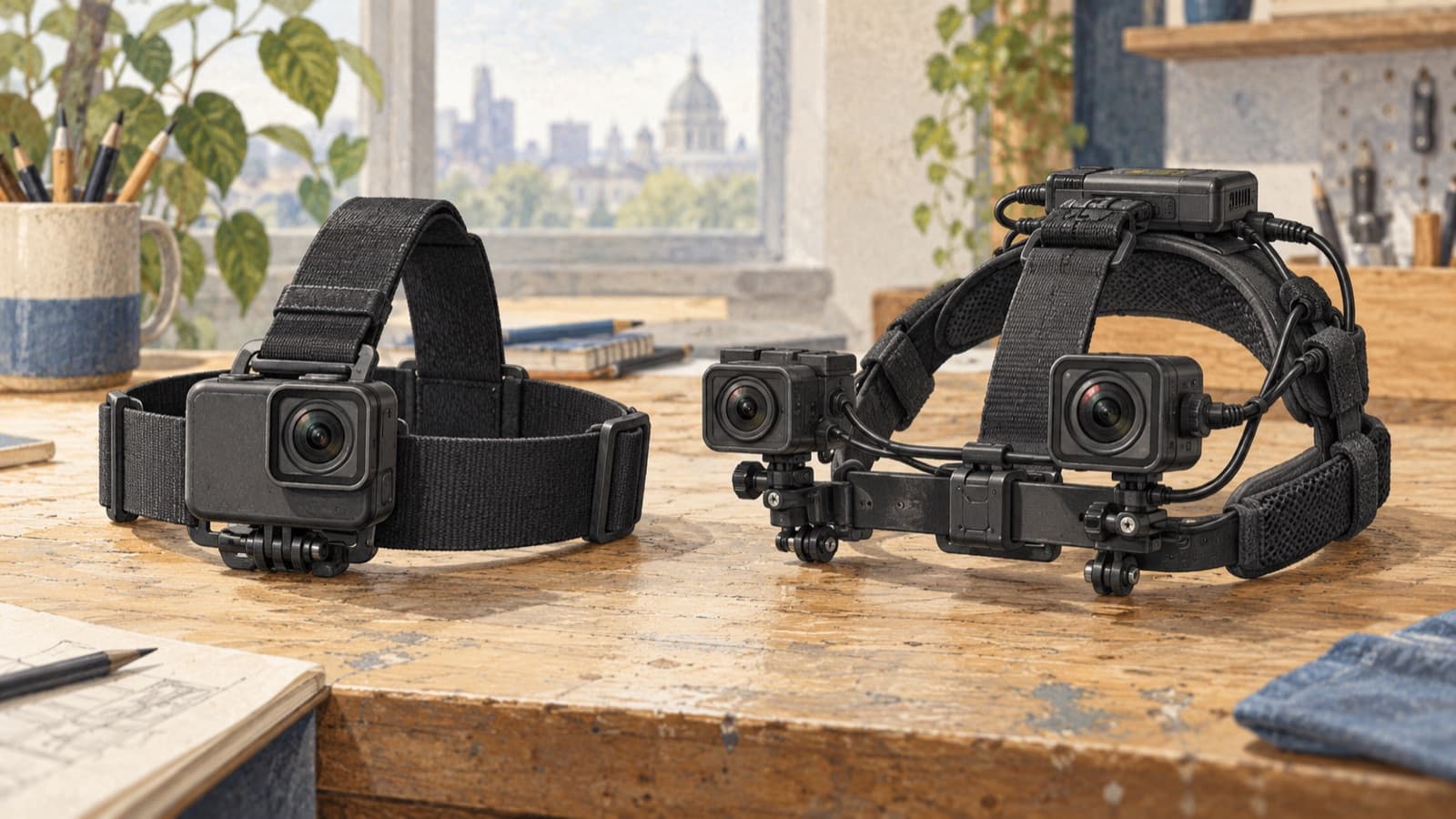
A consumer action camera, research wearable and stereo camera module solve different problems. None is automatically the right starting point. Check the exact model, recording mode, export path and mounting arrangement rather than relying on a category label.
Higher resolution can help with small details, but it also changes storage and transfer demands. Frame rate alone will not rescue motion blur from unsuitable exposure. A wider view may keep hands in frame while making objects smaller. Depth can provide useful geometry; it does not automatically deliver accurate hand annotations.
Multi-camera systems need particular care. RealSense’s multi-camera configuration guide discusses synchronization alongside bandwidth, power and processing constraints. Treat the full recording chain as the unit you test, including the computer, cables and simultaneous streams.
Ask your annotation team to review a sample before you commit. A recording that looks pleasant at normal playback speed may still leave a key event impossible to label.
Give suppliers a useful set of questions
The best quote is more than a unit price. Ask for a complete bill of materials and a clear answer on what can actually be delivered.
- Is the quoted hardware revision available for the full order?
- Which accessories, licenses or software subscriptions are required?
- Can recordings be exported without an unexpected account or cloud dependency?
- How are firmware changes, replacement units and discontinued parts handled?
- What support, warranty and repair arrangements apply where the kits will operate?
- Can the supplier provide the documentation your buyer’s procurement team needs?
If a buyer has supplier restrictions or security requirements, resolve those against the actual project and jurisdiction. A general assurance that equipment is “compliant” is too vague to settle the question.
Run a pilot that resembles a working day
Test with representative people, tasks and locations. Include ordinary awkwardness: glasses, different head sizes, bending, reflective surfaces, dim corners and the point in a session when someone gets tired of adjusting a strap.
Use the planned recording duration. Then download the files through the planned transfer route and open them in the receiving team’s tools. Record failures as clearly as successes: overheating, missing timestamps, unreadable files, lost framing or an export step that needs more attention than expected.
Project Aria’s calibration documentation illustrates another useful procurement question: can the team retrieve the device and sensor calibration information it needs? Confirm this for your chosen equipment; support varies by device and stream.
End the pilot with a decision record. State which setup passed, under which settings, and what still needs work. Keep the sample files. They give everyone something concrete to compare against when production equipment arrives.
Budget for a usable kit
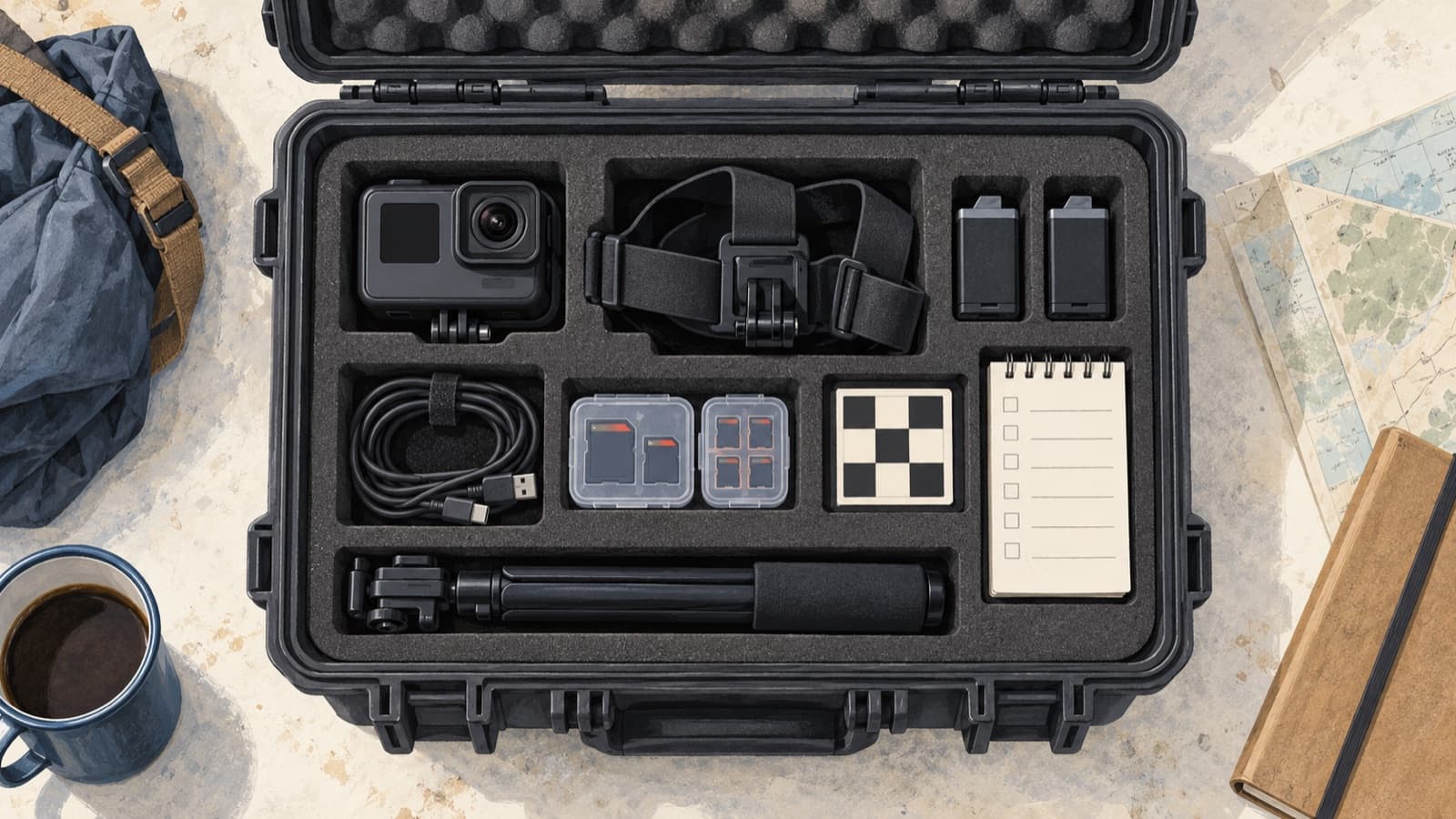
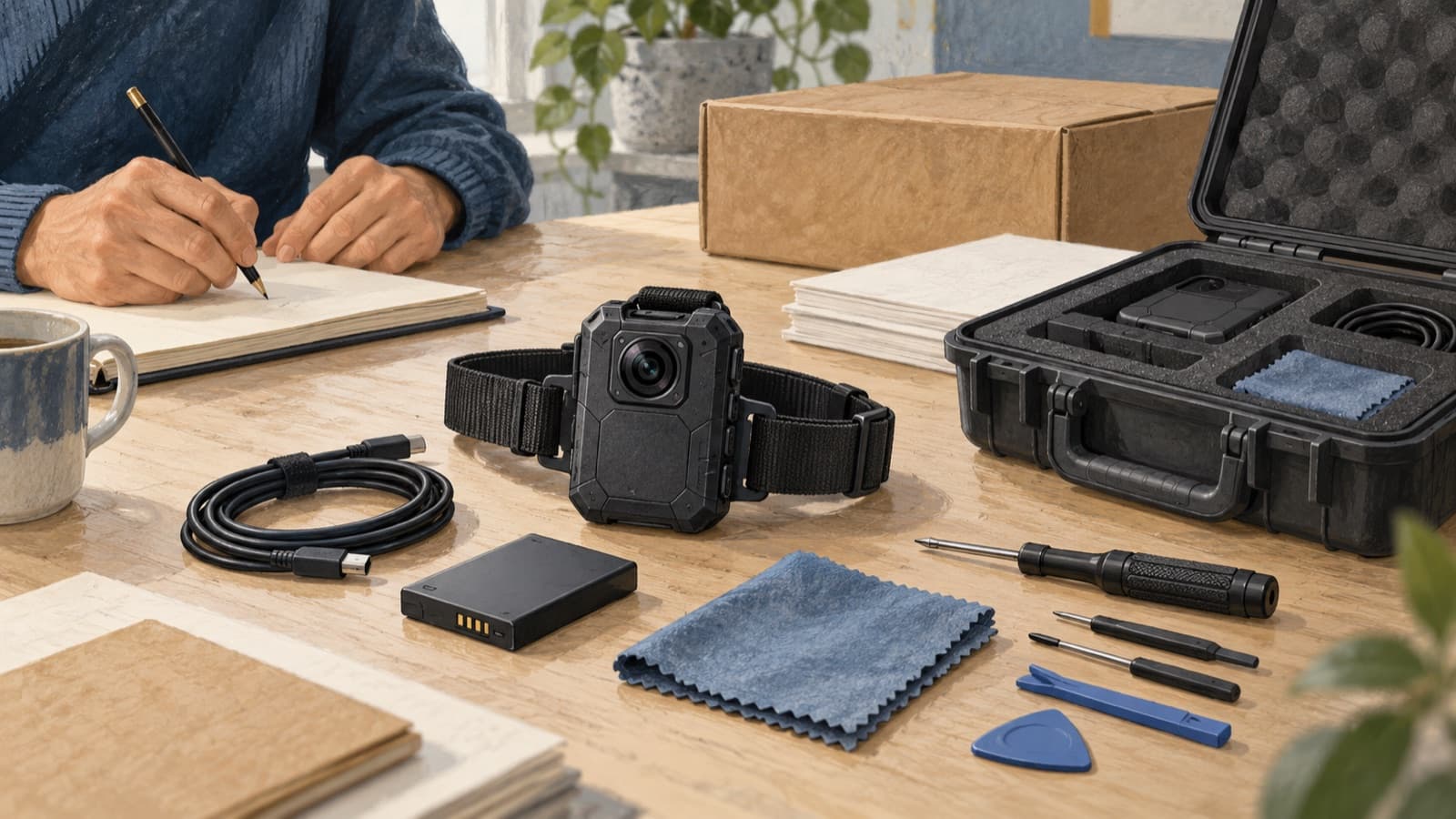
A camera without the right mount, charger or storage is an incomplete purchase. Include power, cables, media, protective cases, cleaning supplies and the spares justified by your pilot. Add configuration time, shipping, training and the effort required to receive and check each unit.
Track kit and device identities from the start. You should be able to connect a recording to its hardware, settings and relevant calibration record without reconstructing the story from messages weeks later.
Finally, make the rollout staged where the supplier and project allow it. Accept the first production kits against the pilot checklist before distributing the whole fleet. That is the moment to catch a substituted cable or changed recording mode.
Buy for the dataset you want to receive
The practical question is simple: will this setup produce usable evidence, repeatedly, in the places where the work will happen? A well-run pilot is more useful than another afternoon comparing specification sheets.
Guardian provides egocentric data gathering and annotation. When you are planning a collection programme, bring the task list and intended labels into the same conversation as the capture requirements. It is much easier to agree what must be visible before the recording begins.